Does this happen with your phone – the battery is working fine up to 20%, but then within a few minutes it drops to 15%, 10%, even 5%? Many people think that there is a big problem with the phone. In fact, lithium-ion batteries do not provide power at the same rate throughout their charge. This fluctuation may become more noticeable at low charge levels, especially if the battery is old.
Why does the charge reduce rapidly if it goes below 20%?
The battery percentage shown on the phone is not the number shown directly on the charge inside the battery. The phone's system makes an approximate calculation, taking into account a variety of factors such as voltage, current usage, temperature and past usage information. As the battery degrades, the effects of voltage changes may become more pronounced. As a result, after dropping below 20% the battery percentage may seem to drop rapidly.
Problems playing games, camera or GPS and more
If you play games, use the camera, keep GPS on or do any other heavy work while the phone is low on charge, then the pressure on the battery increases. This can cause the battery voltage to drop temporarily. The phone system can then recalculate the remaining charge. That is why sometimes it is seen falling from 20% to around 10%.
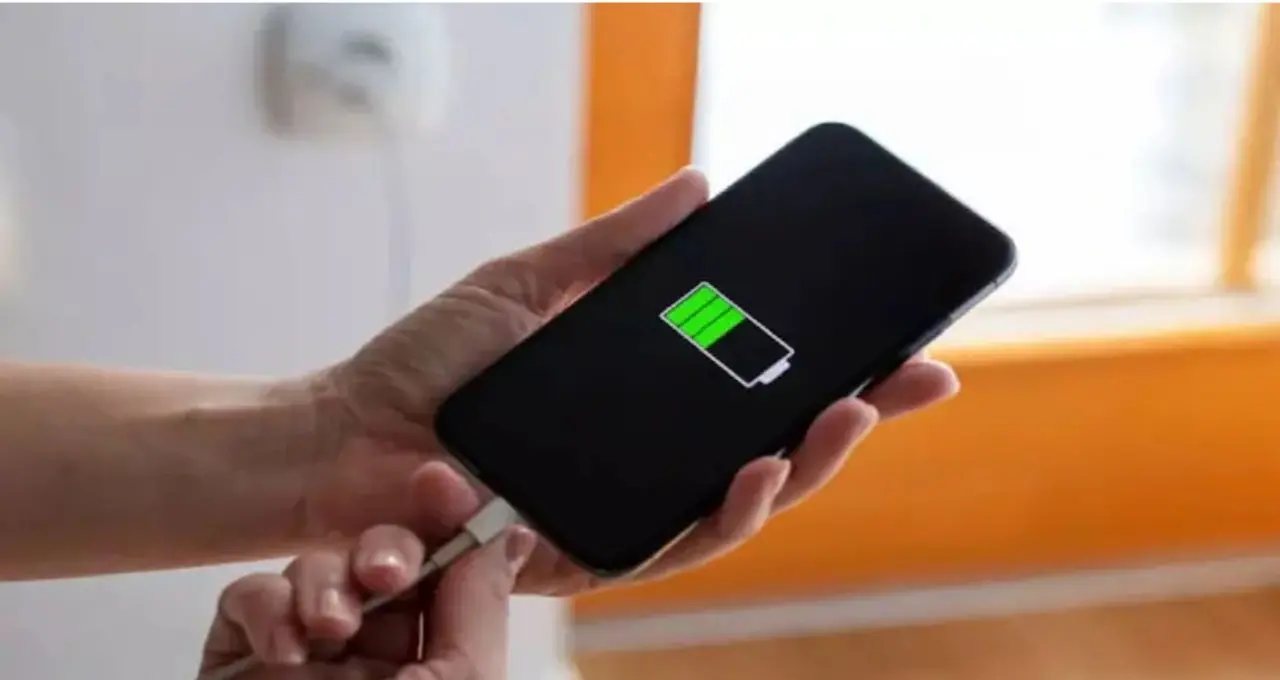 This problem is more common in old batteries.
As the age of the battery increases, its ability to hold charge gradually decreases. The internal resistance of the battery may increase after prolonged use. As a result, the phone's performance and battery percentage calculation during low charge may be less reliable than before. This is why older phones are more likely to see the charge drop below 20% or the phone turning off.
Not just the battery, there can be a problem with the charging as well.
The phone's battery fuel gauge estimates the battery status and shows the percentage. This calculation may never exactly match the actual charge. Such inconsistencies can appear due to prolonged use. Apps running in the background, software updates or old system can change the battery usage pattern.
 Then what to do?
Avoid heavy games or prolonged use of the camera when the battery is very low.
Do not let the phone overheat.
Check which app is consuming more battery from Battery Usage.
If the battery drains unusually fast or the phone flashes repeatedly, check the battery health.
If the phone software is updated, update it as necessary.
If the battery swells or becomes excessively hot, do not open it and test it yourself, contact the service center.
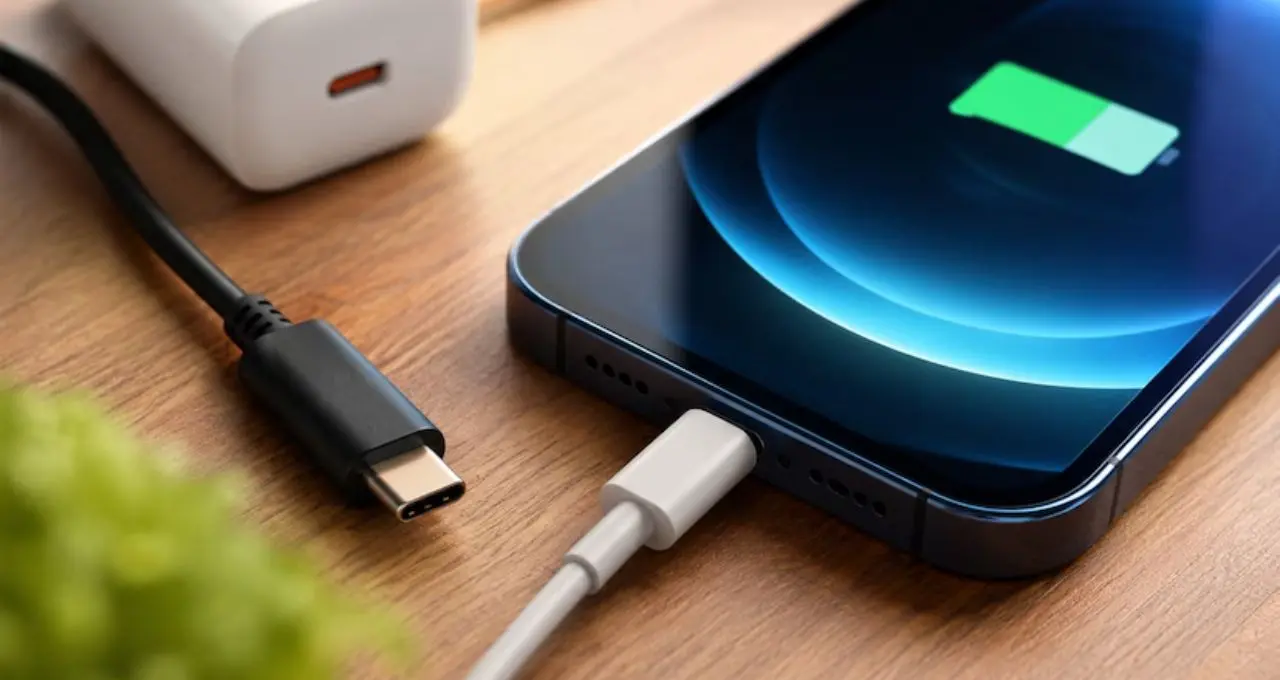 The phone's battery runs normally up to 50 or 30 percent, but sometimes after falling below 20%, the brightness is seen decreasing rapidly. Battery damage alone is not responsible for this. Battery voltage, phone usage, temperature, battery age, and charge calculation method can all be responsible for this.